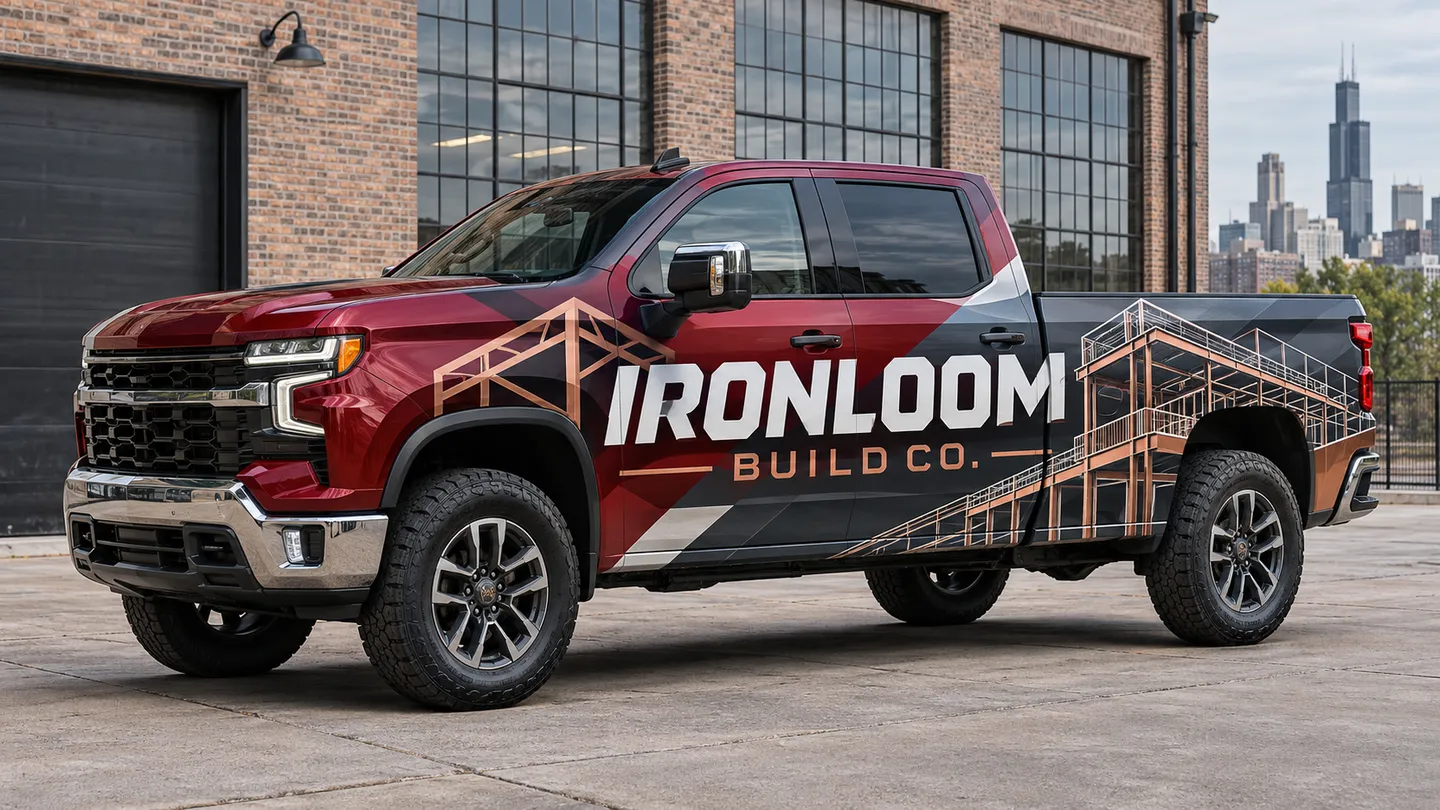
Show the ordinary working setup
Photograph the truck as it normally carries equipment, with loads secured in their usual positions. Include a second set showing accessible bare panels where practical. This helps the designer distinguish a useful graphics surface from a space that is generally hidden behind the tools needed for work.
Describe changes across the week, such as a rack normally carrying long materials or compartments opened at a job site. Do not ask the designer to infer those habits from a parked photo. The message can be planned around known operating states without claiming a particular viewing distance or advertising result.
- Show normal loads and equipment positions.
- Identify surfaces usually hidden by racks or tools.
- Describe frequently opened doors and compartments.
Review the message in each useful view
Set the primary identity and contact route on views that remain useful in normal operation. Test the proposed hierarchy with a reduced proof and actual truck photos. If a door opens across a word or a ladder covers the logo, identify the issue before approving the file.
Consider whether a secondary message belongs on another independent zone. Repeating a contact detail is a design choice; it should not create clutter or rely on connecting fragments across different surfaces. The supplier can help review how handles, trim and equipment influence the proposed arrangement.
- Keep essential wording complete within its view.
- Review open and closed compartment positions.
- Flag body seams passing through critical details.
Agree on equipment responsibilities
If access requires removing an accessory, confirm whether the shop or the vehicle owner handles it and how the scope records that task. Keep safety-related equipment and vehicle systems under the appropriate responsible person’s control. A graphics brief should never become an informal authorization to alter an unknown system.
Retain the obstruction review with the approved layout. Revisit it when equipment changes or a different truck joins the fleet. Material technical resources can inform product questions for the exposed surfaces, while the supplier’s actual inspection establishes the access and preparation work included.
- Name responsibility for temporary equipment removal.
- Record changes affecting the approved layout.
- Recheck placement when the operating setup changes.
Keep a working record
Before you approve the next step
- Photograph the normal equipped truck.
- Show frequently opened compartments.
- Mark routinely hidden surfaces.
- Check complete wording in each useful view.
- Confirm accessory-handling responsibility.
- Keep the obstruction review with the approved proof.
Use the free planning tool to organize the details you can confirm and the questions still open.
Four questions before the next step
Should the truck be empty in all quote photos?
Show both useful panel views and its normal equipped state. An empty-only photo set can hide obstructions that affect the everyday message.
Read the detailed guide: Review truck graphics with the equipment in place
Can graphics be placed over any accessory?
Ask the supplier to review the actual surface and access. Equipment may have different materials, instructions or responsibilities from the painted vehicle body.
Read the detailed guide: Review truck graphics with the equipment in place
Can one truck template cover the whole upfit?
Do not assume it. The cab, service body and equipment may need separate references and measurements. Ask the production provider how the actual combination will be verified.
Read the detailed guide: Map the cab and work body as separate graphics zones
Does marking a panel approve it for graphics?
No. The map communicates intended scope. Surface condition, access, dimensions and material suitability still need the supplier’s review.
Read the detailed guide: Map the cab and work body as separate graphics zones
Original technical sources
Use the linked publisher's current instructions for the exact product and vehicle. This planning guide does not replace its application, safety or warranty requirements.